
Does Switch Lite Take Cartridges? Everything You Need to Know
Introduction
The Nintendo Switch Lite’s compact design and portability have gained significant popularity among gamers. This versatile console runs an extensive game library, making it crucial to understand how it manages these games. Many inquire: does the Switch Lite take cartridges? Knowing the answer is essential for anyone looking to maximize their experience with the console.
Understanding the Nintendo Switch Lite
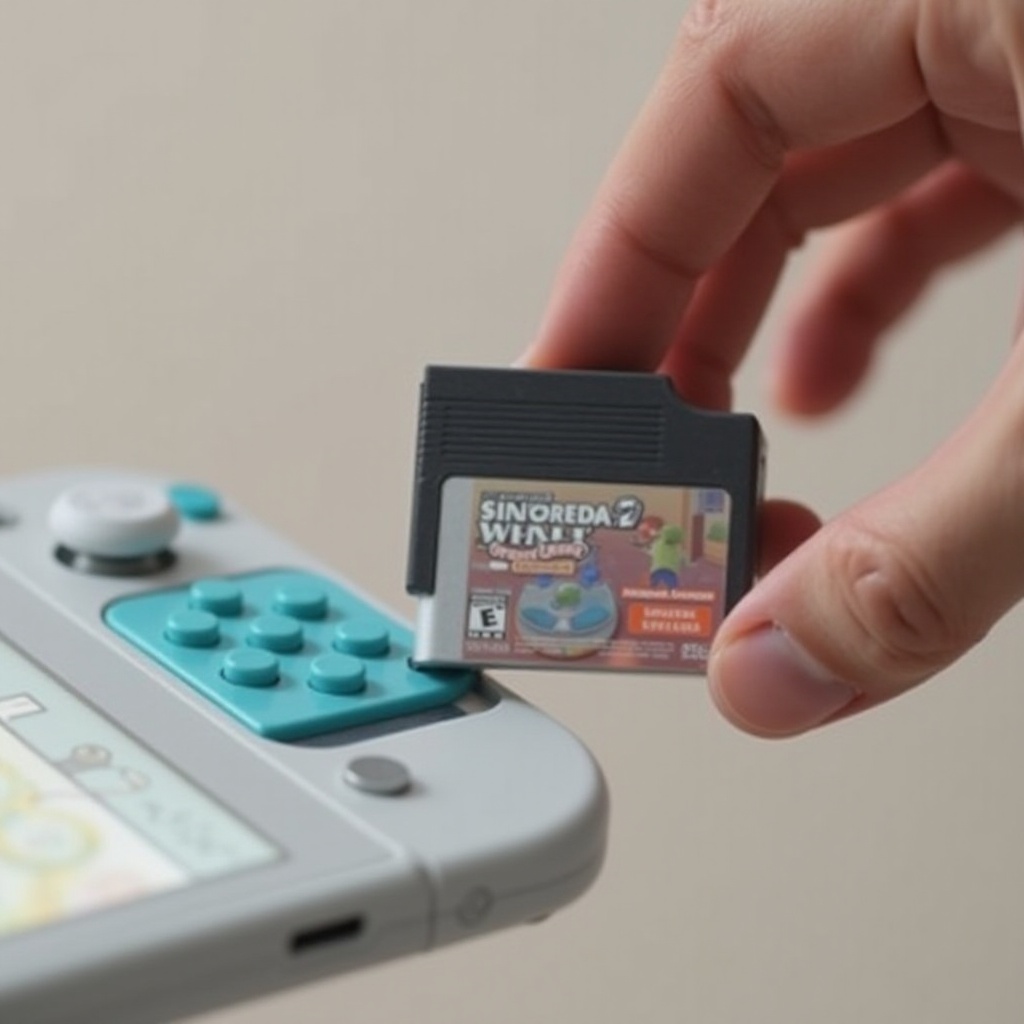
The Nintendo Switch Lite, a dedicated handheld console, caters to gamers favoring portability. Unlike the original Switch, the Lite version is smaller, lighter, and does not support TV connectivity. Despite these differences, the Switch Lite maintains core functionalities: a vibrant display and stellar processing power for seamless gaming sessions, whether at home or traveling.
For those with game collections using physical formats, it’s vital to understand how cartridges integrate with the Switch Lite to unleash its full capabilities.
Cartridge Compatibility with Switch Lite
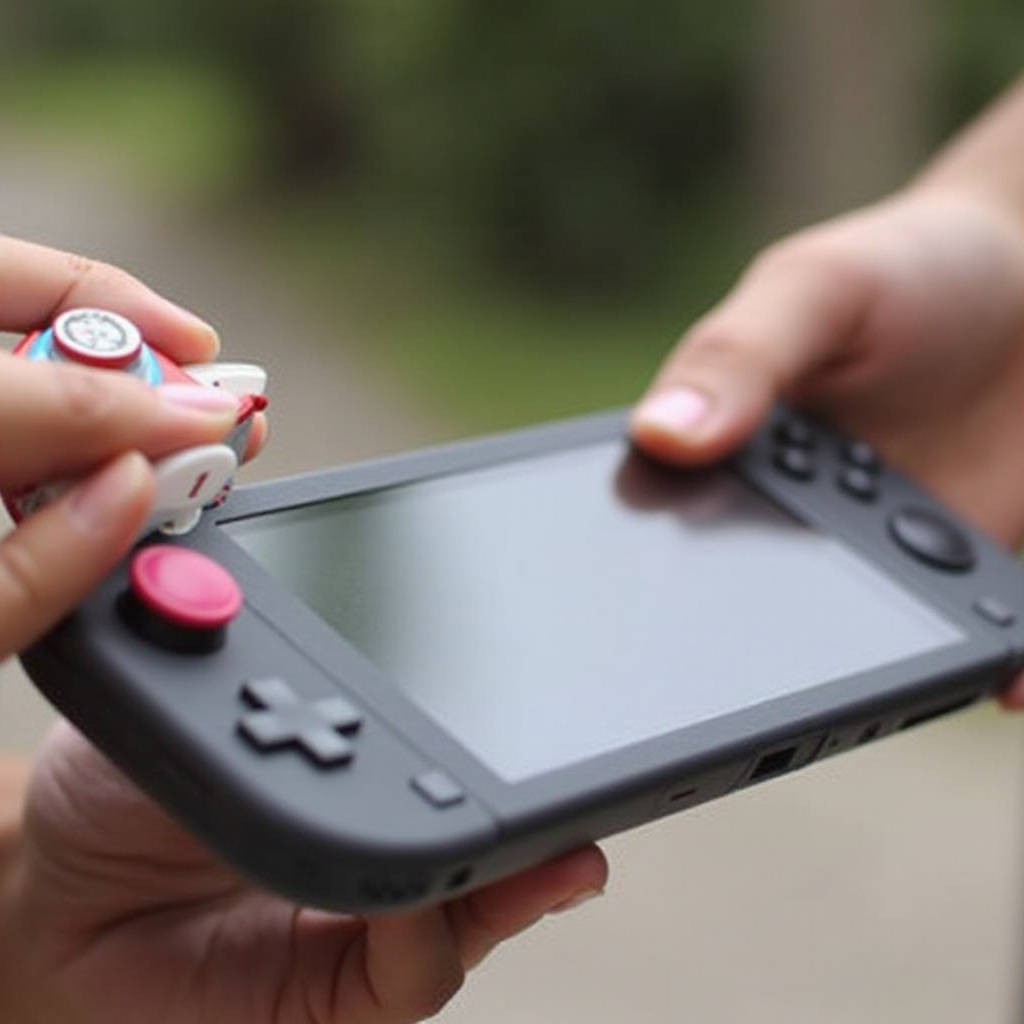
Indeed, the Switch Lite supports the use of cartridges, also known as game cards. It’s an integral feature of the Nintendo ecosystem, facilitating access to numerous titles. This compatibility ensures that cartridges from the standard Nintendo Switch operate seamlessly on the Switch Lite. Gamers can transfer their game libraries to this portable model without hassle.
This consistent compatibility makes it easy to switch between consoles, preserving continuity in your gaming library. It’s perfect for gamers who want both stationary and portable gaming experiences without duplicating their game purchases.
How to Use Cartridges on the Switch Lite
Utilizing cartridges with the Nintendo Switch Lite is straightforward. Follow these quick steps to get started:
- Locate the game card slot positioned at the top-right corner of the console.
- Gently open the flap marked ‘Game Card.
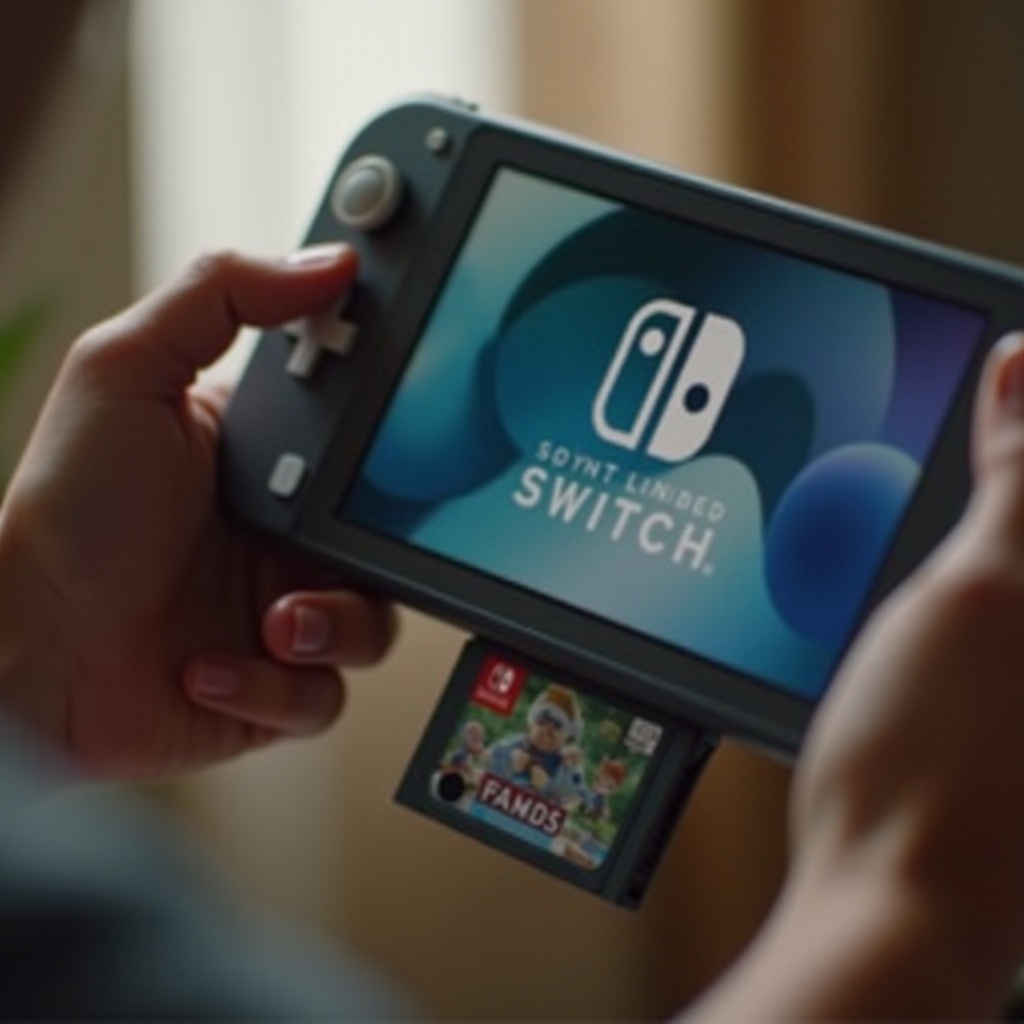
- Insert the cartridge with the label facing outward. Push until you hear a click.
- Securely close the game card slide flap.
- Power your console and select the game icon on the home screen to begin playing.
This user-friendly process ensures that you can quickly switch between different games without interruptions.
Benefits of Using Cartridges on Switch Lite
While digital downloads are prevalent, physical cartridges offer significant advantages. Cartridges save internal storage, which is limited, thereby enhancing device performance. They provide collector value, presenting tangible benefits like unique box art and real ownership sensations.
Physical cartridges enable easy sharing among family or friends and allow trading or reselling titles. In contrast, digital versions remain bound to accounts, reducing their flexibility. Enjoying your gaming collection with these added benefits makes cartridges remarkable.
Common Questions and Troubleshooting
Players often question whether all Nintendo Switch games are available physically. While many popular titles are, some lesser-known or indie games might be digital-only. This aspect may change as gaming libraries expand.
Troubleshooting steps can help if cartridges aren’t working:
- Confirm the cartridge is fully inserted.
- Clean the cartridge connector gently.
- Inspect and clean the card slot if necessary.
- Consider restarting your console as a reset.
Occasionally, you might need system updates for newer games, optimizing gameplay and fixing bugs. Ensuring your device is up-to-date helps avoid potential issues.
Conclusion
The Nintendo Switch Lite is a powerful, portable console supporting game cartridges, offering a diverse and flexible gaming experience. It seamlessly integrates with your existing game library, bringing handheld gaming to new heights. By understanding cartridge use, you can unlock boundless opportunities and enjoyment from your Switch Lite.
Frequently Asked Questions
Can all Nintendo Switch games played on Switch Lite use cartridges?
Yes, any Nintendo Switch game available in cartridge form is compatible with Switch Lite.
What should I do if my cartridge isn’t working on the Switch Lite?
Ensure proper insertion, clean the cartridge, and check the slot. Restarting the console might help.
Do I need to update my Switch Lite to use new cartridges?
Most cartridges work without updates, but some might require a system update for optimized performance.