
How to Fix an AirPod Case Light Not Turning On After Charging in 2024
Introduction
Struggling with your AirPod case light not turning on after charging can be frustrating. This not only impairs charging confirmation but could also signal deeper issues. Understanding the causes and solutions is crucial to keep your AirPods functioning smoothly. In this guide, we’ll explore detailed troubleshooting methods, address potential causes, and offer practical solutions to remedy this issue effectively.
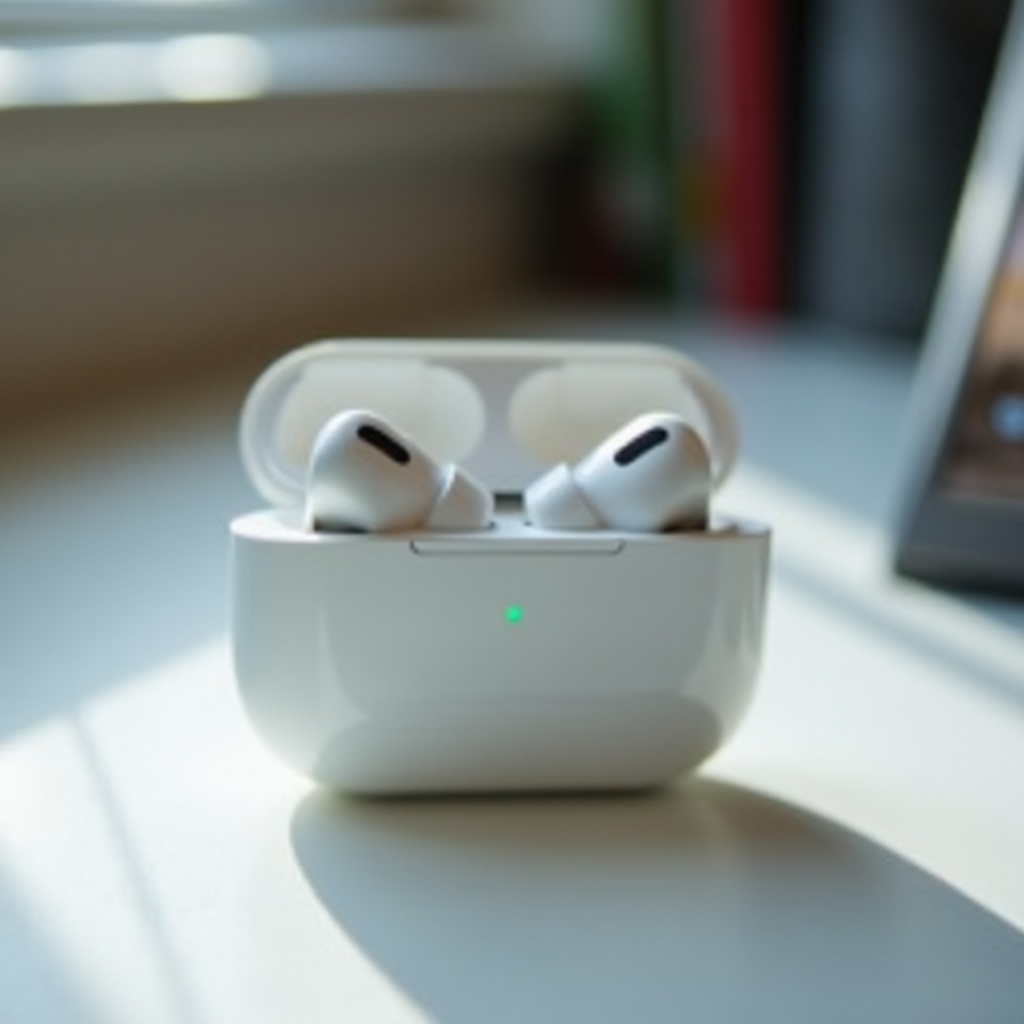
Understanding AirPod Charging Light Indicators
The charging light on your AirPod case is designed to provide instant information about the status of your device. A green light usually signifies a full charge, while an amber light indicates that there’s still some charging left to do. But when the light doesn’t activate at all, it poses a unique set of challenges.
Unresponsive charging lights can be attributed to several factors, such as depleted battery, connectivity issues, or even complete hardware malfunctions. By understanding these signals, you can diagnose the problem more effectively and decide whether it’s something you can handle yourself or if professional assistance is necessary.
Common Causes for AirPod Case Light Issues
Identifying the root cause of a non-responsive AirPod case light is the first step towards a solution. Here are some common culprits:
- Battery Issues: Over time, AirPod batteries can degrade, affecting charging efficiency and the responsiveness of the charging light.
- Faulty Charging Equipment: Damaged cables or defective wireless charging pads can lead to inadequate power transfer.
- Internal Component Failure: Sometimes, internal hardware issues within the charging case can disrupt normal operations.
Recognizing these common causes allows you to take targeted action. Whether it’s changing cables, recalibrating your equipment, or seeking professional repair, the right approach can make all the difference.
Step-by-Step Troubleshooting Guide
Begin with some simple troubleshooting steps to potentially rectify the issue without the need for external help:
- Verify the Power Source:
-
Ensure your power outlet or USB port is functioning well by testing with another device.
-
Inspect the Charging Cable and Pad:
-
Check for any visible damage on your cable or charging pad. Swap them out with known working alternatives if possible.
-
Check for Physical Obstructions in the Charging Port:
-
Dust, lint, and other debris can block the connection. Use a soft, dry brush to gently clean out the port.
-
Reset Your AirPods:
- Perform a reset by opening the case lid, holding the setup button until the light flashes amber, then white. This can fix minor software glitches inhibiting proper functionality.
These troubleshooting steps are quick and effective, often solving the problem entirely. If they don’t, exploring further solutions is the next logical step.
Advanced Solutions for Persistent Issues
Once basic troubleshooting is out of the way, consider more advanced solutions if the problem persists:
- Updating the Firmware:
-
Keep your AirPods’ firmware updated through your iPhone settings to rectify glitches that may affect functionality.
-
Professional Repair and Replacement Options:
- Persistent issues might necessitate professional evaluation. Apple’s customer support can diagnose faults and recommend repair or replacement.
Advanced steps offer deeper insights and resolutions, guiding you towards fixing ongoing issues with your AirPod case.
Preventive Measures for Future Maintenance
Investing time in preventive measures can avert future problems and extend the life of your AirPods:
- Proper Charging Practices:
-
Utilize high-quality chargers and avoid overloading power sources to prevent equipment damage.
-
Regular Cleaning Tips:
-
Routinely inspect and clean ports with a dry cloth to remove any blockages.
-
Safe Storage Solutions:
- Always store your AirPods in their case in a dry, room-temperature environment to prevent unforeseen damages.
By maintaining these practices, you can significantly reduce the chances of future light issues or other functional disruptions with your AirPods.
Conclusion
An unresponsive AirPod case light can initially seem daunting, but the right mix of remedial steps and routine maintenance often resolves the issue. With this guide, you should be able to tackle the problem effectively, ensuring your AirPods remain in optimal condition. Regular care, proactive maintenance, and corrective actions are key to keeping your devices lasting longer.
Frequently Asked Questions
Why is my AirPod case light not turning on even after a full charge?
A non-responsive light may signal issues like battery depletion or hardware malfunctions. Try troubleshooting steps like checking the power source or inspecting the charging port.
How long should I charge my AirPods to avoid light issues?
Charging your AirPods for about 15-20 minutes typically gives the case enough power for the light to activate. If problems persist, deeper troubleshooting is warranted.
Can a faulty light indicate my AirPods are not charging properly?
Yes, a non-responsive light can suggest charging issues. Ensure your charging equipment is functional and consult the guide’s troubleshooting steps.