
How to Fix a Blank TV Screen: Troubleshooting Guide for 2024
Introduction
A blank TV screen can quickly disrupt your enjoyment, leading to frustration and concerns over costly repairs or replacements. Before you consider drastic measures, there are straightforward troubleshooting steps you can take to address the issue effectively. This guide provides practical solutions to diagnose and cure your TV’s blank screen problems in 2024.
Initial Checks and Diagnostics
Start with some fundamental diagnostics to rule out the simplest issues. Often, a seemingly complicated problem has a straightforward solution.
- Power and Settings: Ensure your TV is on and that the power indicator light is illuminated. Check that it isn’t stuck in standby mode.
- Remote Control: Verify that your remote control functions properly. Replace its batteries or use the TV’s power button to ensure the remote isn’t the source of the problem.
Completing these initial steps is crucial before moving on to more detailed inspections. They help confirm that you’re not dealing with an oversight, allowing you to focus on deeper issues.
Inspecting Connections and Cables
After confirming the initial checks, examining the connections is the next logical step. The issue can often be as simple as a loose cable.
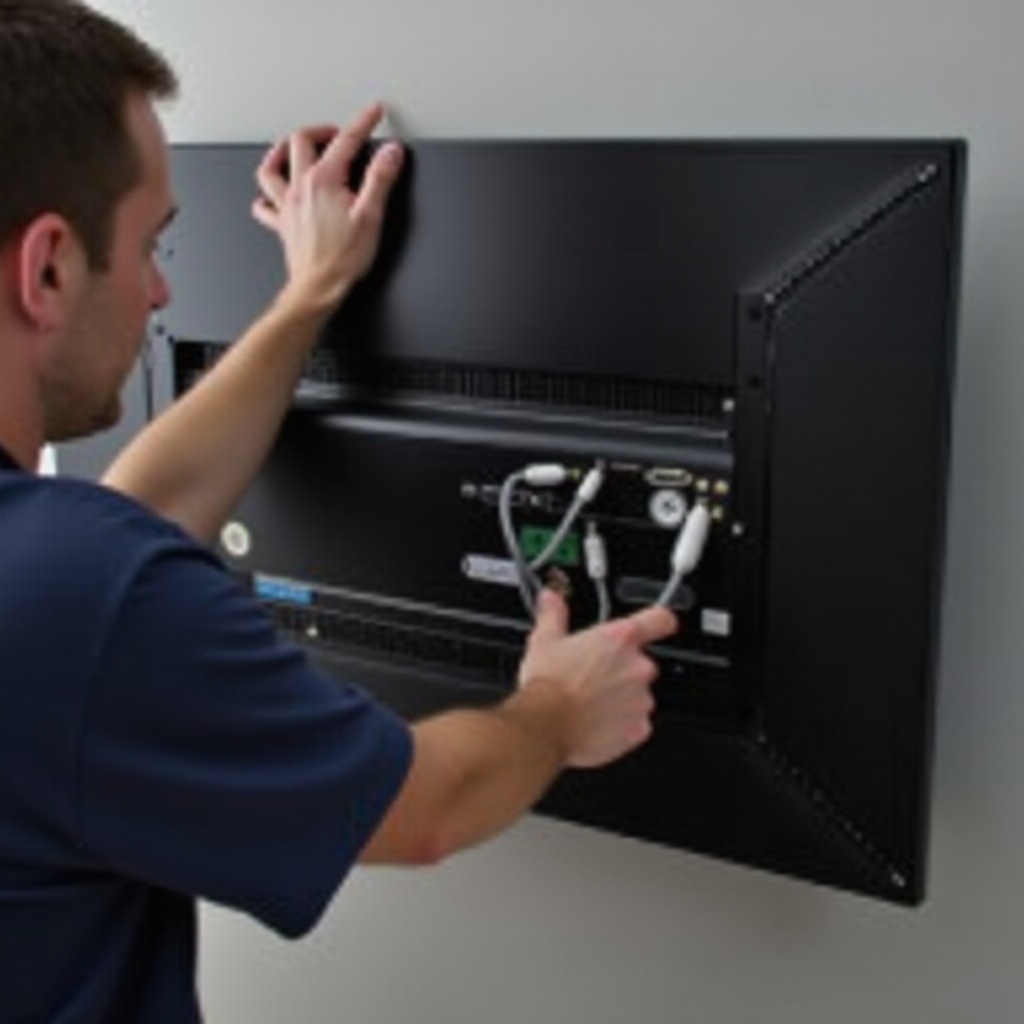
- HDMI and Other Cables: Inspect HDMI and other connections. Unplug and plug them back in securely. Replace any damaged cables to eliminate them as the source of the problem.
- Input Source and Port Usage: Verify the TV is set to the correct input or source. Use the remote to cycle through various inputs, confirming that devices are connected correctly.
Addressing potential connectivity issues ensures that the screen functions in harmony with connected devices. It paves the way to explore more involved technological solutions, should they be necessary.
Software and Firmware Troubleshooting
Should the screen remain blank, the TV’s software may be at fault. Software glitches can significantly impact TV performance but are often resolved with a few updates or resets.
- Update Procedures: Look for any firmware updates. Install these updates to ensure your TV benefits from bug fixes and new features.
- Resetting Software Settings: Try a soft reset by unplugging the TV for a few minutes. If issues persist, a factory reset may be necessary, but be sure to back up important settings beforehand.
These software measures are vital and should not be neglected. Keeping your TV updated helps maintain its functionality and reduce the chances of encountering software-related issues.
Hardware Examination
If software fixes don’t solve the issue, further investigation into the hardware might be needed. Sometimes, internal components bear the brunt of the problem.
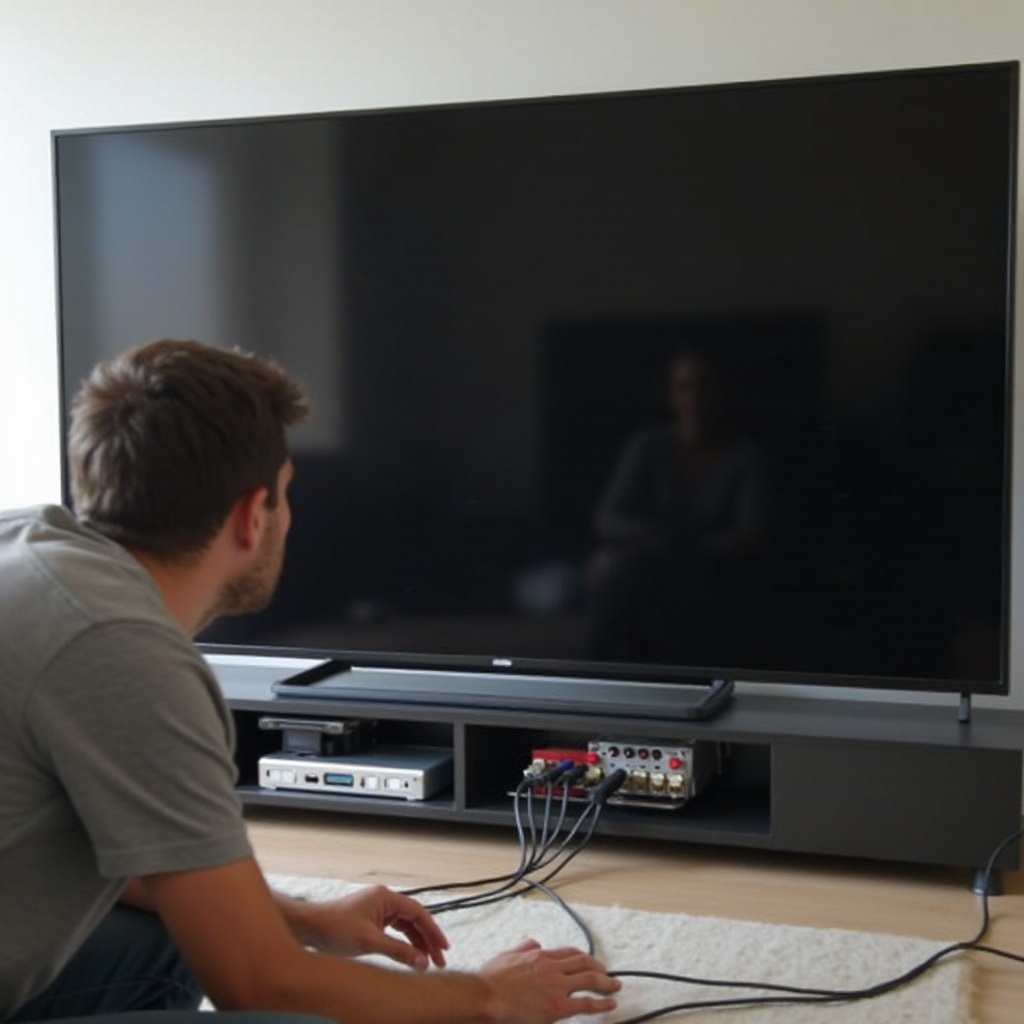
- External Devices: Disconnect all devices connected to the TV one at a time to see if the screen returns to normal.
- Image Processing Unit: This component could malfunction, affecting the display. If suspected, seek professional evaluation for a comprehensive assessment.
Hardware problems are more intricate, often requiring technical intervention. Determining whether the problem lies within the TV’s physical components is a crucial step before making service calls or repairs.
Professional Help and Warranty Considerations
When troubleshooting steps fail, professional help becomes necessary.
- Technician Assessment: Online searches can guide you to reputable technicians who can perform more detailed inspections of your TV’s internal mechanism.
- Manufacturer Warranty: Check if your TV is still under warranty. If so, repairs or a potential replacement might be covered by the manufacturer, significantly cutting costs.
Reaching out for professional assistance is wise when the issue transcends basic troubleshooting. Warranty evaluation might save both time and money if available.
Preventive Measures for Maintaining TV Health
Preventive care is as crucial as immediate solutions. By taking consistent protective measures, you reduce the likelihood of future disruptions.
- Regular Maintenance: Dust your TV regularly and ensure no buildup affects its ventilation.
- Optimal Settings: Adjust brightness and contrast to levels that do not overwork the display.
Implementing preventive strategies prolongs the life of your television, ensuring persistent optimal performance and minimizing future check-ups for blank screens.
Conclusion
While encountering a blank TV screen can be frustrating, it doesn’t always indicate a substantial issue. With these outlined steps, from initial checks to professional help, you can identify and possibly fix the problem at hand, maintaining your relaxed entertainment experience seamlessly.
Frequently Asked Questions
What should I do if my TV screen is blank even after trying these steps?
If the problem persists, consult a professional technician for a comprehensive diagnosis.
How often should I update my TV’s firmware?
Check for updates every few months or set your TV to update automatically to keep it current.
Is a blank TV screen typically a sign of a serious problem?
Not always. It can arise from minor software glitches or connectivity issues, which can often be resolved through troubleshooting.