
How to Remove a Cell Phone Screen Protector Safely and Effectively
Introduction
Removing a cell phone screen protector is a task that many face, whether due to damage, wear and tear, or the simple desire for an upgrade. The key is to do it carefully to protect your phone’s screen from damage. In this guide, we’ll walk you through each step needed to remove and replace your screen protector efficiently.
Preparing for Screen Protector Removal
Before jumping into removal, some preparation ensures the process goes smoothly. Gathering the right tools and understanding how to use them minimizes the risk of damaging your device.
- Gather Necessary Tools:
- Thin, firm plastic card (similar to a credit card)
- Lint-free microfiber cloth
- Hairdryer or heat gun (for stubborn protectors)
-
Rubbing alcohol or dedicated adhesive remover
-
Safety Precautions:
- Power off your phone to avoid accidental screen touches.
- Ensure clean hands to prevent fingerprints or smudges.
- Work in a clean space with good lighting to see clearly.
With your preparations complete, you’re ready to remove the screen protector with care.
Step-by-Step Process for Removing a Screen Protector
Following these meticulous steps will help you remove the protector without harming the phone screen.
- Method 1: Using a Credit Card or Lifting Tool
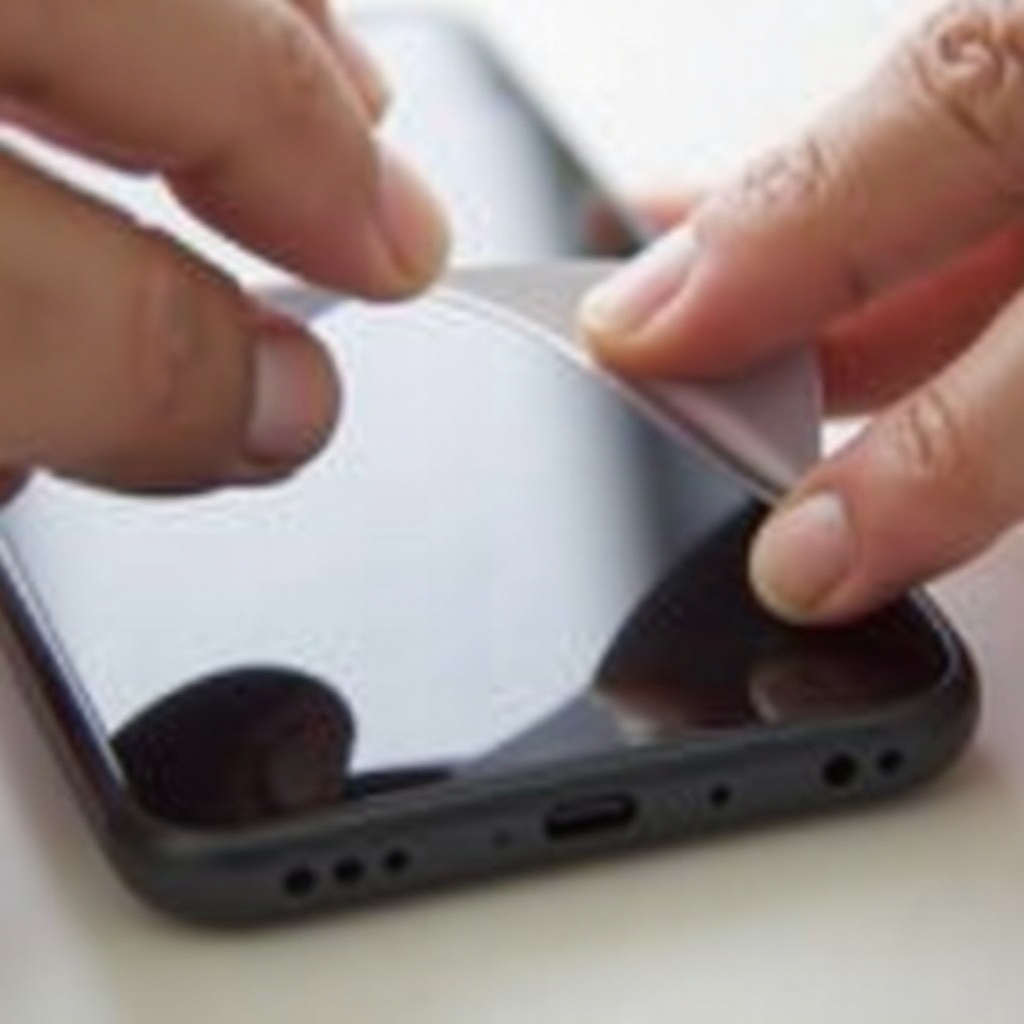
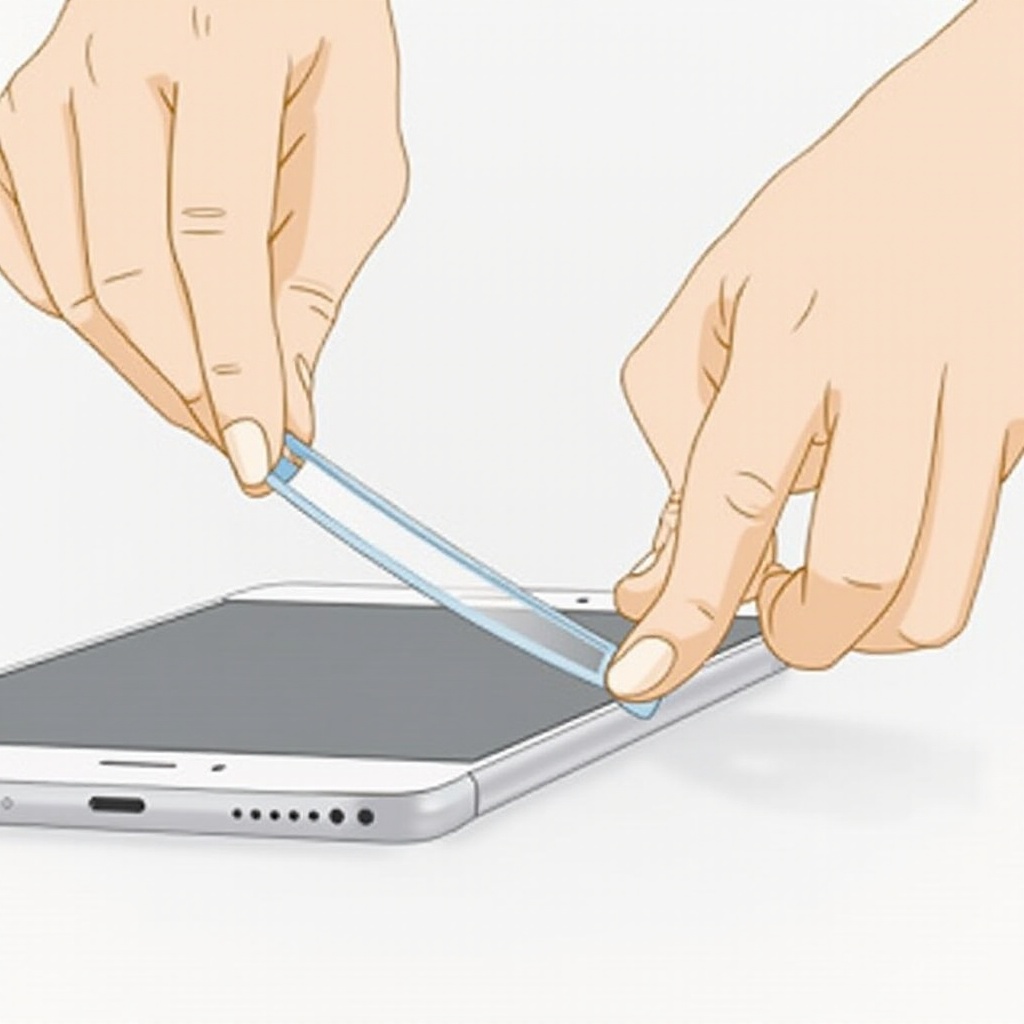
- Start at a corner of the screen protector, using the card to gently pry it up.
-
Slowly and evenly peel back the protector, being mindful of maintaining a uniform pressure to avoid screen damage.
-
Method 2: Applying Heat for Stubborn Protectors
- Gently apply heat to the edges of the screen protector using a hairdryer set on low to soften its adhesive.
-
Carefully use a card or fingernail to work up a corner, then peel it away.
-
Method 3: Dental Floss Technique
- Slide a piece of dental floss under a corner of the screen protector.
- Move the floss back and forth in a sawing motion to separate the protector from the screen.
Once the protector is removed, you’ll need to turn your attention to cleaning any sticky residue that remains.
Cleaning Residue from Your Screen
A clean screen is crucial for clear visibility and effective application of a new protector. If adhesive residue is left behind, follow these steps to remove it:
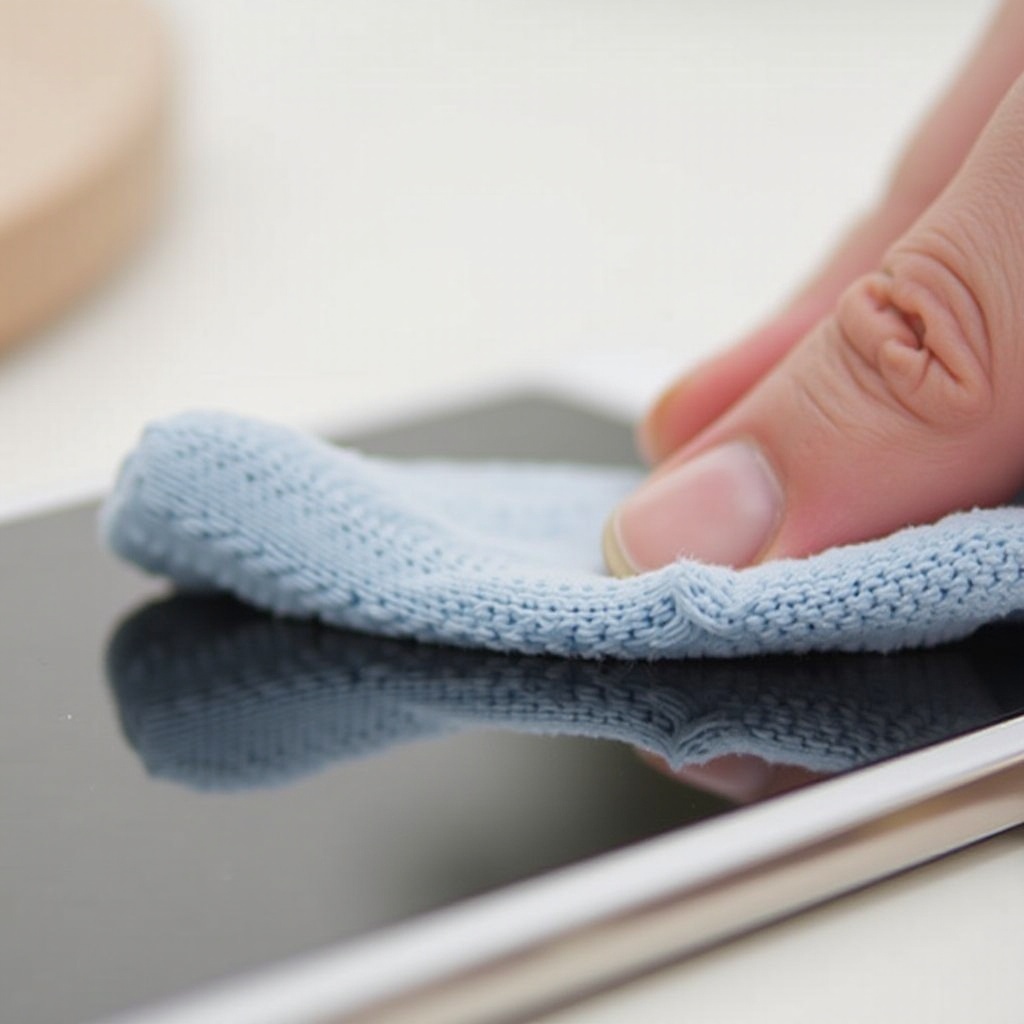
– Dampen a lint-free cloth with a bit of rubbing alcohol.
– Gently rub the area where residue remains, making sure not to apply too much pressure.
– Dry the screen and check for any remaining residue. Re-clean as necessary to ensure the screen is clean and clear.
Having a residue-free surface ensures optimal adhesion of a new screen protector.
Tips for Reapplying a New Screen Protector
Protecting your device with a new screen protector is as important as removing the old one. Here are some tips:
- Selecting the Right Protector:
- Choose one specifically designed for your phone model for best fit.
-
Consider additional features like anti-glare or blue light filtering as needed.
-
Proper Alignment and Application Techniques:
- Clean your screen with an alcohol wipe to remove all dust and oils before application.
- Align the protector starting from the open edge, ensuring it aligns with device cutouts.
- Use a card to press down the protector firmly and evenly, smoothing out air bubbles towards the edges.
By following these guidelines, you can ensure both a smooth removal and reapplication process, maintaining your phone’s appearance and screen’s protection.
Conclusion
Taking off and putting on a screen protector requires patience and a steady hand. However, by following the steps provided, you can perform these tasks without hassle. This careful approach not only protects your device but also keeps your screen looking pristine.
Frequently Asked Questions
Can I remove a broken screen protector myself?
Yes, you can carefully follow the provided steps, while being extra cautious to avoid cutting yourself on any sharp scraps.
What if adhesive residue remains after removal?
Gently use rubbing alcohol on a lint-free cloth to wipe away any remaining adhesive, ensuring the screen is residue-free.
How often should I replace my screen protector?
Replace your screen protector whenever it’s scratched, cracked, or failing to adhere properly to ensure optimal protection.