
How to Fix a Water-Damaged iPad
Introduction
Accidentally dropping your iPad into water can be a nerve-wracking experience. Immediate action can greatly influence whether your device survives or becomes unusable. Water can seep into the iPad, damaging its delicate circuitry if not addressed promptly. With the right approach, you can potentially rescue your device and prevent future accidents.
Understanding how water affects electronics sets the stage for handling this situation effectively and informs the next steps you might consider undertaking.

Understanding Water Damage in iPads
Water exposure is detrimental to iPads, leading to potential short circuits and corrosion. Common signs of water damage include erratic screen behavior, inability to power on, and irregular operational glitches. Recognizing these symptoms early helps in deciding the course of action you need to take, whether you proceed with repairs or consider replacing the device.
Once you grasp the severity of the situation, you can move forward with appropriate remediation to try and salvage your iPad.
Immediate Steps to Take After Water Exposure
Upon contact with water, taking swift and effective steps can help minimize damage:
1. Power off your device immediately to prevent electrical shorts.
2. Gently dry the iPad’s exterior with a soft, absorbent cloth to remove surface moisture.
3. Remove any cases and accessories to allow the device to dry more thoroughly.
These actions lay the groundwork for potential recovery and set up the next phase of addressing internal moisture.
DIY Methods to Fix Water Damage
When professional repair is not immediately accessible, DIY methods can be your first line of defense:
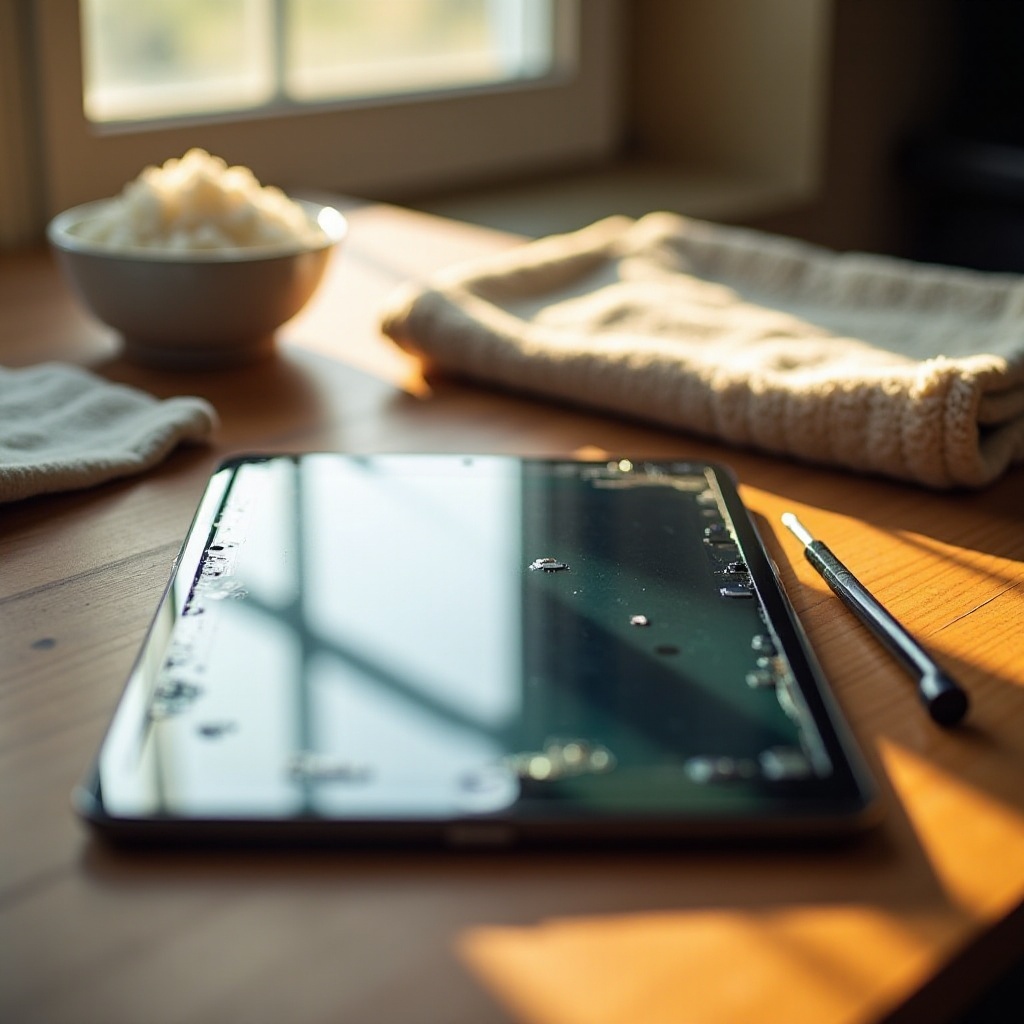
– Utilize uncooked rice or silica gel packets by placing the iPad in a container filled with these drying agents for at least 48 hours.
– Air drying in a warm, well-ventilated room can also help eliminate moisture over a period of days.
– Avoid using heat sources like hairdryers, which can exacerbate the damage by overheating sensitive components.
Assessing the efficacy of DIY solutions is vital. Should these methods not restore your iPad, professional assistance may be required.
When to Seek Professional Repair Services
If DIY attempts fail to revive your iPad, seeking professional repair is advisable:
– Evaluate the damage severity and whether the device is still under warranty or eligible for any coverage.
– Compare the repair costs with the tablet’s value and functionality needs.
– Some repair shops offer diagnostic services, providing insights into cost-effective solutions or confirming if replacement is the best option.
Balancing repair costs and benefits can ensure you make an informed decision about your device’s future.

Preventive Measures for Future Safety
Preventing future incidents is just as critical as managing current damage:
1. Invest in a high-quality, waterproof case to shield your iPad against accidental spills or drops.
2. Practice caution in environments where water and moisture are prevalent, keeping the iPad away from risky areas.
3. Regularly back up your data to protect valuable information in the event of device failure.
Applying these preventive measures can extend your iPad’s longevity and save you from the headache of future mishaps.
Conclusion
Dealing with a water-damaged iPad requires prompt, decisive action. While DIY methods offer a starting point, understanding when to call for professional help ensures effective resolution. Implementing preventive strategies and understanding how to react when accidents occur can safeguard your device and data. Stay equipped with knowledge and tools to manage and avert water damage effectively.
Frequently Asked Questions
How long should I leave my iPad in rice?
Leave your iPad in rice for at least 48 hours to effectively absorb moisture, although results may vary.
Is it worth repairing a water-damaged iPad?
Consult with a technician to assess severity and repair costs, balancing against the device’s current value.
How can I tell if my iPad is still water-damaged?
Persistent issues like screen flickering or unresponsiveness post-DIY attempts may indicate ongoing water damage.