
How to Connect and Use a PS5 Controller on Nintendo Switch (2024 Edition)
Introduction
Elevate your Nintendo Switch gaming experience by connecting a PS5 controller, known for its ergonomic design and advanced features. This guide takes you through the process of setting up your PS5 controller with ease and addressing any potential issues for a seamless gameplay experience.
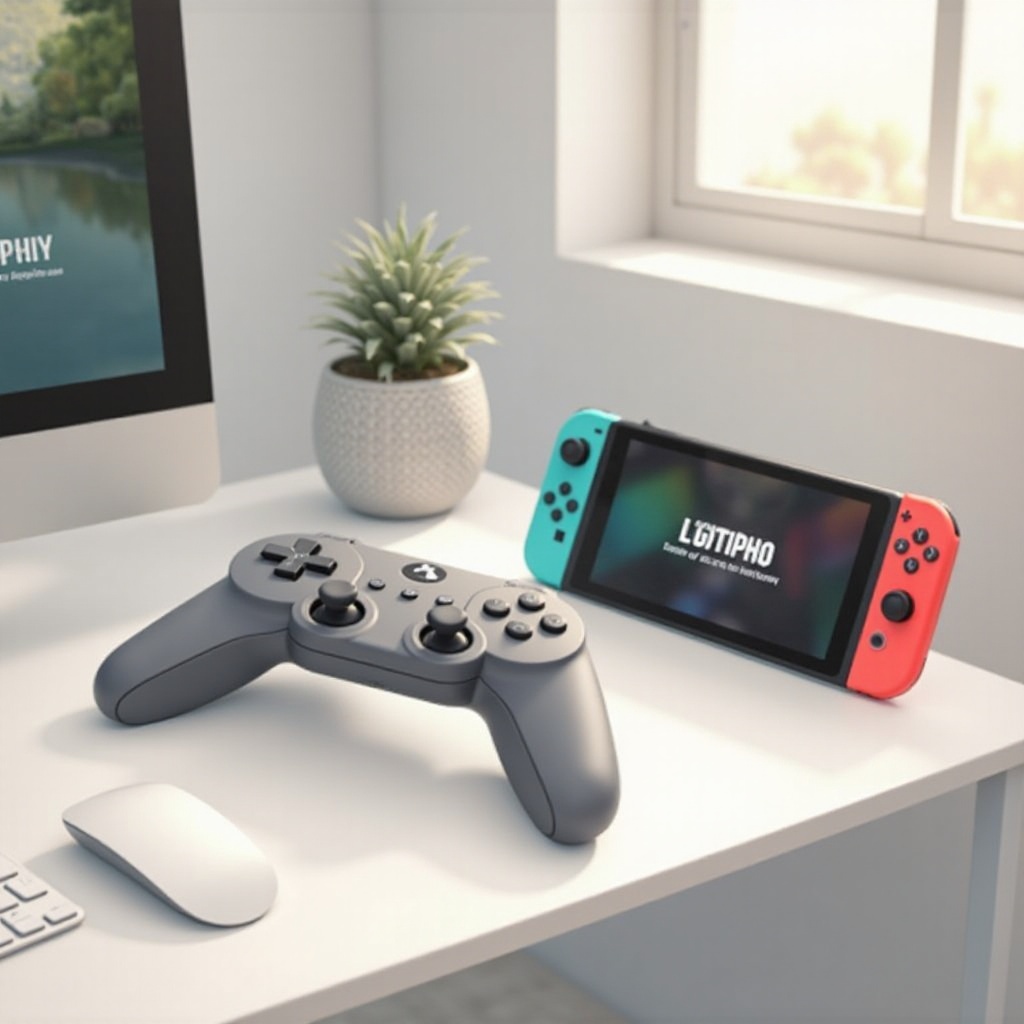
Why Use a PS5 Controller with Your Nintendo Switch?
The PS5 controller is favored by many gamers due to its adaptive triggers, haptic feedback, and overall comfort. By pairing it with your Switch, you bring an enhanced tactile experience to Nintendo’s vibrant gaming library. Understanding why this setup is beneficial helps ensure you make the most of your gaming.
Compatibility Overview
Before installation, it’s crucial to confirm compatibility between your PS5 controller and Nintendo Switch. Generally, the Switch doesn’t directly support the PS5 DualSense controller. However, with a compatible Bluetooth adapter, connecting becomes a breeze. Ensuring your Switch has the latest firmware is essential for smooth pairing and function.
Step-by-Step Guide to Connecting Your PS5 Controller to the Switch
Connecting a PS5 controller to your Switch involves several critical steps. Below is a straightforward guide to facilitate this:
- Required Accessories and Tools
- An appropriate Bluetooth adapter compatible with Nintendo Switch.
- A fully charged PS5 controller.
-
Your Nintendo Switch console.
-
Activating Pairing Mode on PS5 Controller
- Simultaneously press and hold the ‘Create’ button and the ‘PS’ button until the light bar starts flashing.
-
This flashing indicates the controller is in pairing mode.
-
Connecting Using Bluetooth Adapters
- Insert the Bluetooth adapter into the Switch’s USB port or dock.
- Follow the adapter’s specific instructions to enable pairing mode.
- Wait for your controller’s light to stabilize, indicating a successful connection.
After connecting, you may encounter issues that require troubleshooting adjustments.
Troubleshooting Common Connection Issues
Throughout the setup, technical hiccups can occur, requiring some troubleshooting:
- Fixing Bluetooth Connectivity Problems
- Ensure your adapter is fully inserted and functioning.
- Try rebooting the Switch and controller before connecting again.
-
Check that other Bluetooth devices aren’t interfering with the connection.
-
Updating Firmware for Better Performance
- Regularly update your Switch’s firmware to maintain connectivity and performance.
- Performing a reboot after updating can help ensure changes take effect.
These steps ensure that you’re maximizing your setup’s effectiveness and reliability.
Enhancing Your Gaming Experience
Once your controller is connected, enhancing your gameplay settings can make a significant difference.
- Customizing Control Settings
- Access the ‘Controllers and Sensors’ section in your Switch settings to tweak sensitivity and mapping.
-
Adjust settings based on your preferences to suit different types of games.
-
Using Third-party Software for Custom Mapping
- Consider third-party applications that allow further customization, like macros.
- Ensure any software integrates smoothly with both your PS5 controller and Switch for optimal use.
These adjustments customize your gaming setup, ensuring that you’re getting both comfort and utility.
Conclusion
Though it requires a few steps, connecting a PS5 controller to your Nintendo Switch is ultimately rewarding. Enjoy the comfort and advanced features of the PS5 controller, making your gaming more immersive and your gameplay more precise. With troubleshooting and custom settings, you can tailor this setup to meet your personal gaming needs effectively.
Frequently Asked Questions
Can I use any Bluetooth adapter to connect my PS5 controller to the Switch?
Not all adapters are compatible. To ensure functionality, choose adapters specifically designed for the Switch and third-party controllers.
What should I do if my PS5 controller isn’t working on the Switch?
Check the pairing mode and charge level of your controller. Reboot your devices and ensure firmware is up-to-date for effective troubleshooting.
Are there any limitations using the PS5 controller on the Switch compared to the Pro controller?
Certain features like adaptive triggers and haptic feedback may not be fully supported. However, for basic gameplay, the PS5 controller is an excellent choice.