
How to Use a Polaroid Snap Camera: A Detailed Guide
Introduction
The Polaroid Snap Camera offers a delightful return to the classic joy of instant photography. Combining retro charm with modern convenience, it’s perfect for capturing moments that matter. Whether you’re new to photography or an experienced enthusiast, this guide will help you set up your camera, master its features, and explore its creative potential.
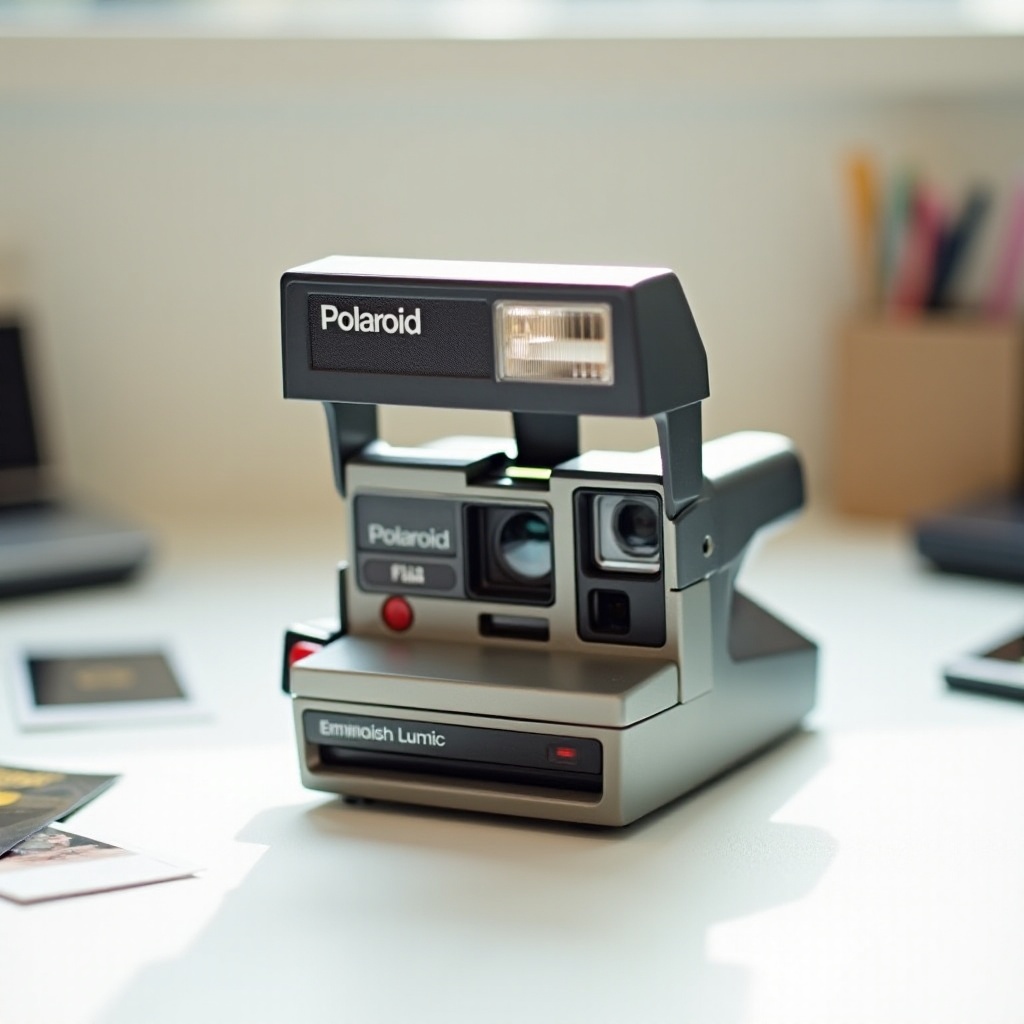
Getting Started with Your Polaroid Snap Camera
Before diving into instant photography, it’s essential to ensure your Polaroid Snap Camera is ready for action. Here’s your quick start checklist:
- Unboxing and Initial Setup: Start by unboxing your camera. You’ll find the main body, a manual, a charging cable, and any included accessories.
- Installing Batteries and Loading Film: Insert the battery into its compartment and charge it using the provided cable. Open the film door, place the film pack with the dark slide facing up, and close the door securely. The camera will eject the dark slide, signaling it’s ready.
With the camera prepped, let’s explore its key features to enhance your photography journey.
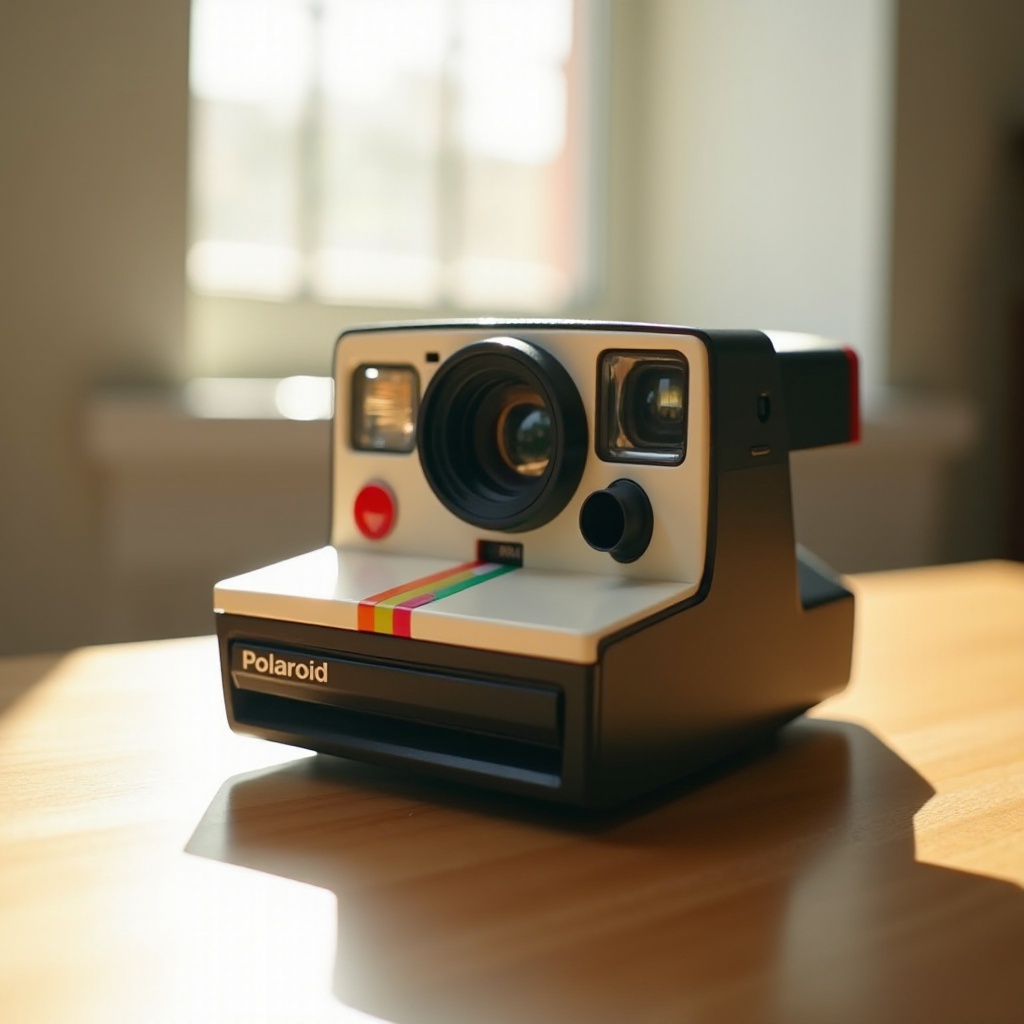
Understanding the Key Features and Controls
Knowing your camera’s features is crucial for capturing the perfect shot:
- Overview of Camera Components: Familiarize yourself with the viewfinder, lens, shutter button, and the microSD card slot for extra storage.
- Navigating Camera Modes and Settings: The camera offers modes like normal, black & white, and sepia. Use the mode button to switch modes, and note the indicator lights showing your selection.
Once you’re comfortable with the controls, you’re ready to capture your first image.
Taking Your First Picture: A Step-by-Step Guide
Now that you’ve set up and explored the camera’s features, it’s time to take your first picture. Here’s how:
- Composing the Perfect Shot: Align your subject in the viewfinder, ensuring good lighting and a steady hand.
- Using the Viewfinder Effectively: Frame your subject accordingly and leave extra space for a balanced image.
- Adjusting Settings for Optimal Results: Choose the mode that suits your environment, whether it’s normal, black & white, or sepia.
Having captured your first picture, consider how you can further enhance your images.
Exploring Creative Possibilities
Your Polaroid Snap Camera isn’t just for standard photos; it’s a gateway to creativity:
- Utilizing Filters and Borders: Employ built-in filters and borders to personalize your photos. Select effects before shooting to add an artistic touch.
- Experimenting with Different Modes: Each mode offers a unique visual style. Experiment with them to enhance portraits or create vintage aesthetics.
While experimenting, you might encounter some issues, so being prepared to troubleshoot is essential.
Troubleshooting Common Issues
Even with the best planning, issues can arise. Address them with these tips:
- Film Loading and Ejection Problems: Check that the film pack is inserted correctly if issues arise. Ensure the dark slide has been appropriately ejected. For jams, reseat the pack gently.
- Addressing Blurry or Off-Color Images: Blurred images often result from movement during exposure. Keep the camera steady. For color issues, verify mode settings and the available lighting.
Regular maintenance will also reduce the risk of common problems and extend the life of your camera.
Maintaining Your Polaroid Snap Camera
Ensuring your camera’s longevity requires regular care:
- Regular Cleaning Practices: Gently clean the lens and viewfinder with a soft cloth. Avoid harsh chemicals.
- Proper Storage for Camera and Film: Store in a cool, dry environment according to the manufacturer’s instructions to maintain quality.
With maintenance known, you’re prepared for seamless capturing experiences. Let’s sum up what we’ve learned.
Conclusion
The Polaroid Snap Camera enriches the art of instant photography by offering simplicity and creativity. By mastering its setup, features, and creative options, you’re poised to capture compelling memories effortlessly. Dive into the world of instant photography and cherish the tangible, shareable moments you create.
Frequently Asked Questions
How do I know when my film is running low?
Check the film counter through the small window on the back of the camera, indicating remaining shots.
Can I use third-party film with the Polaroid Snap?
It’s best to use Polaroid’s proprietary film packs as third-party films may not be compatible or may affect quality.
What should I do if my camera isn’t turning on?
Ensure the battery is charged and correctly installed. If it still doesn’t turn on, try fully charging the battery or using a replacement.